
Rockhound
Snap a cobble on the trail. Tag igneous, sedimentary, or metamorphic. Save the locality before you forget the pull-off.
iOS + Android · In beta
Identify. Collect. Trade.
Photograph a specimen. Pick a category. Get AI-assisted ID with confidence scores and collector notes. Save it to your shelf, then trade with other rockhounds — on iPhone and Android.
iOS and Android in beta · Assistive ID, not a lab · Peer-to-peer trades · Your collection stays yours
Who it’s for
Rockhounds, crystal collectors, fossil hunters, and traders share the same shelf. Categories change the hint. The honesty does not: ID is assistive.
Snap a cobble on the trail. Tag igneous, sedimentary, or metamorphic. Save the locality before you forget the pull-off.
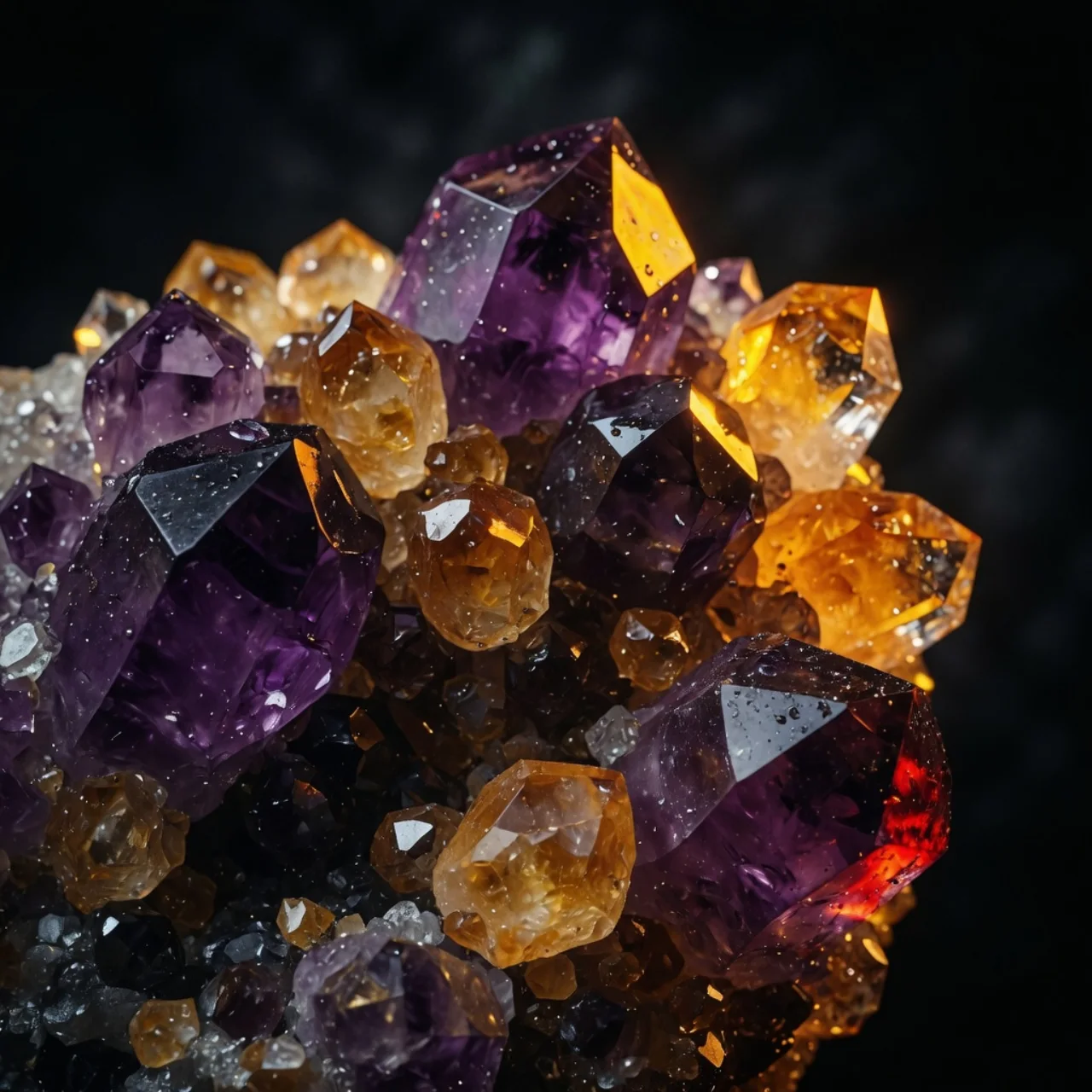
Points, clusters, matrix. Confidence scores and lookalikes so you can argue with the result, not a shopping blog.
Trilobites, ammonites, petrified wood. Journal the bed, the permit, and the fragment — not just the pretty photo.
Post from inventory, browse the feed, chat in-app. Swaps are between collectors. Snap Rocks does not insure them.
What ships
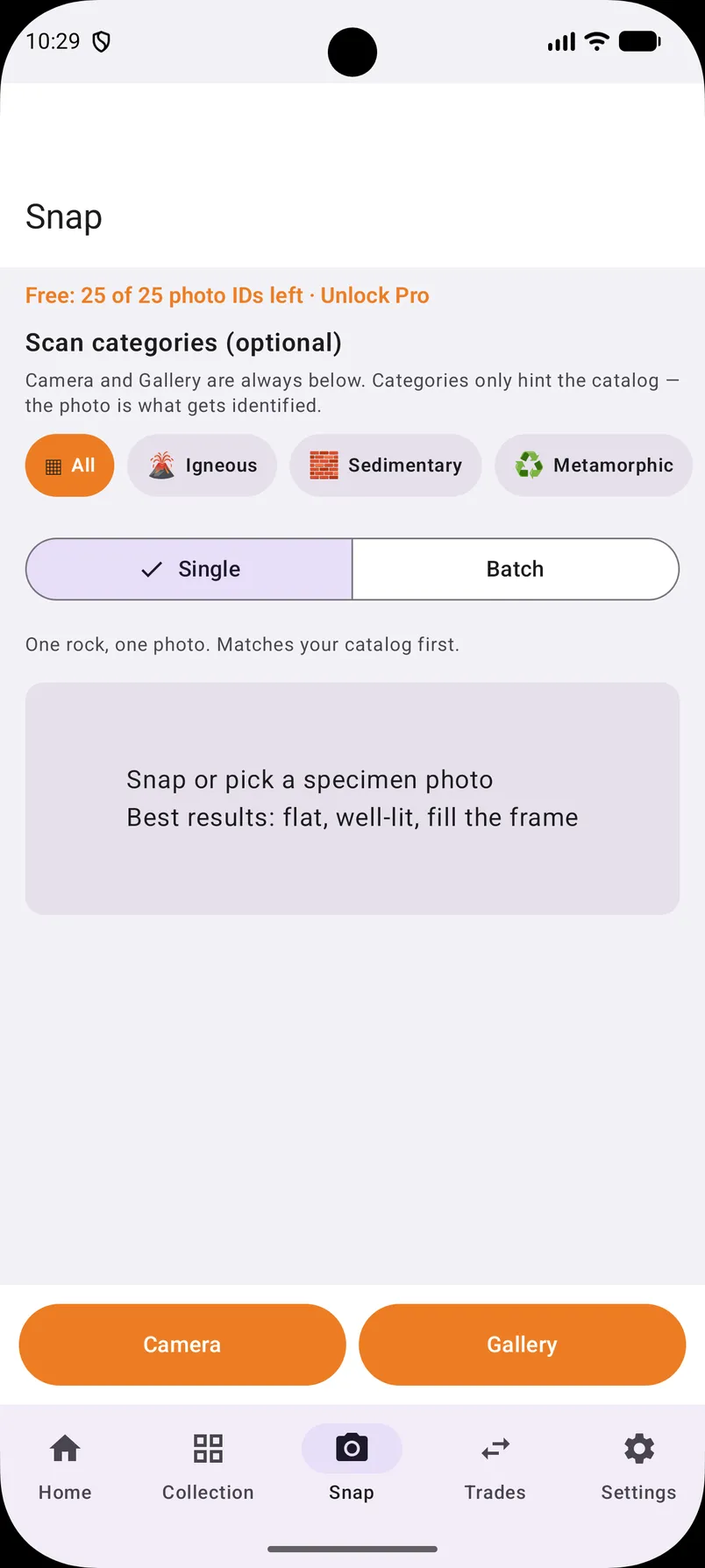
Photograph one specimen, or pick from the gallery. Crop tight. Categories are optional hints — the photo is what gets identified.
Suggested name, type, hardness, lookalikes, collector notes, confidence. Learning and reference. Not a lab or a gemologist.
Notes, location, condition, rating, asking price. Filter Collection, Wishlist, or For Sale. You type the values. The app does not invent them.
A photo grid of what you actually own. Swipe left to delete, swipe right to pre-fill a trade.
Post an offer from inventory, browse the feed, open detail, chat. Contact details are yours to share.
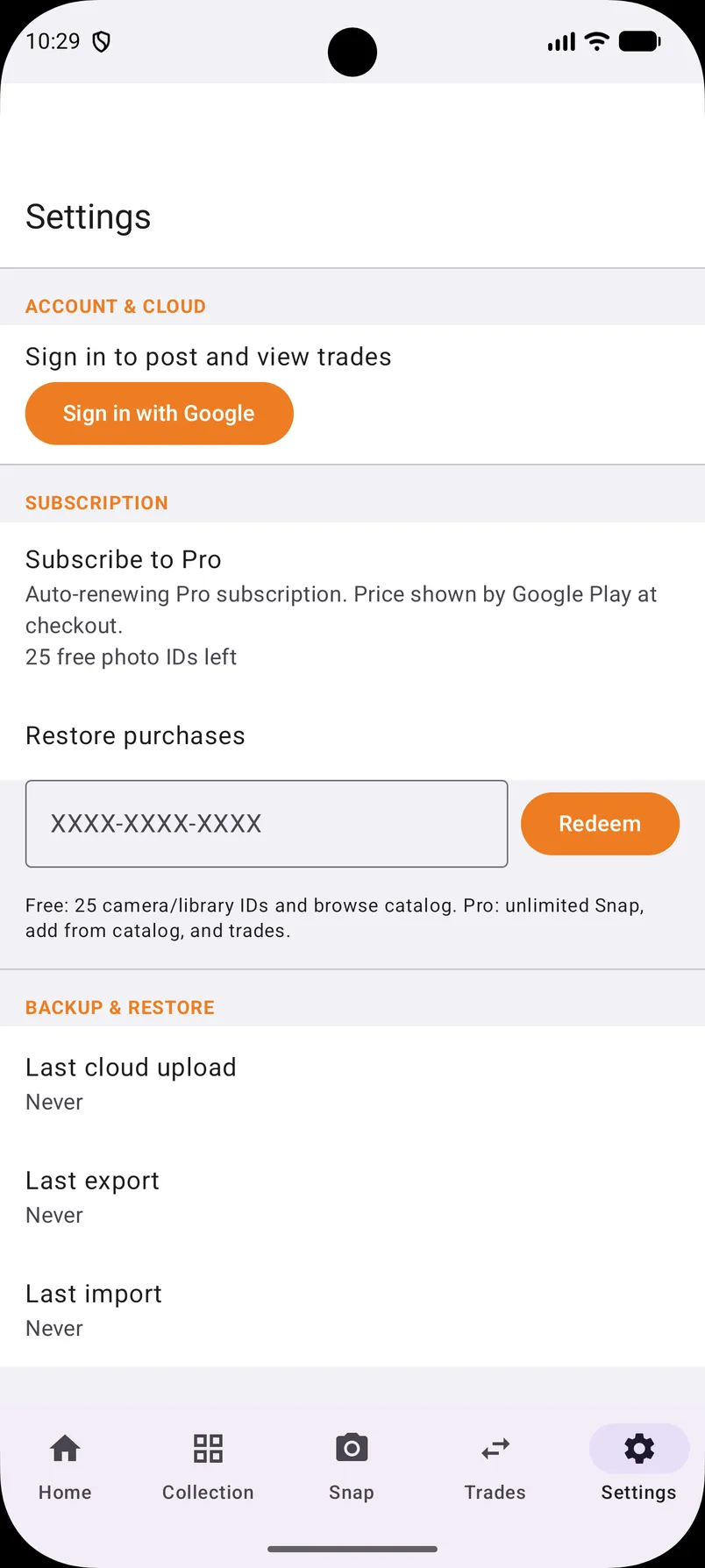
Cloud backup and restore while signed in. Export collection text where the app supports it. A new phone should not wipe the shelf.
Identify Live
Igneous, Sedimentary, Metamorphic, Mineral/Crystal, Fossil, or Unknown/Mixed. Categories narrow the hint. The photo still does the work.
You get a suggested name, type, typical hardness, lookalikes, and a short collector note. If the match is uncertain, pick an alternative. One specimen, fill the frame, decent light, dry surface.
Collection Live
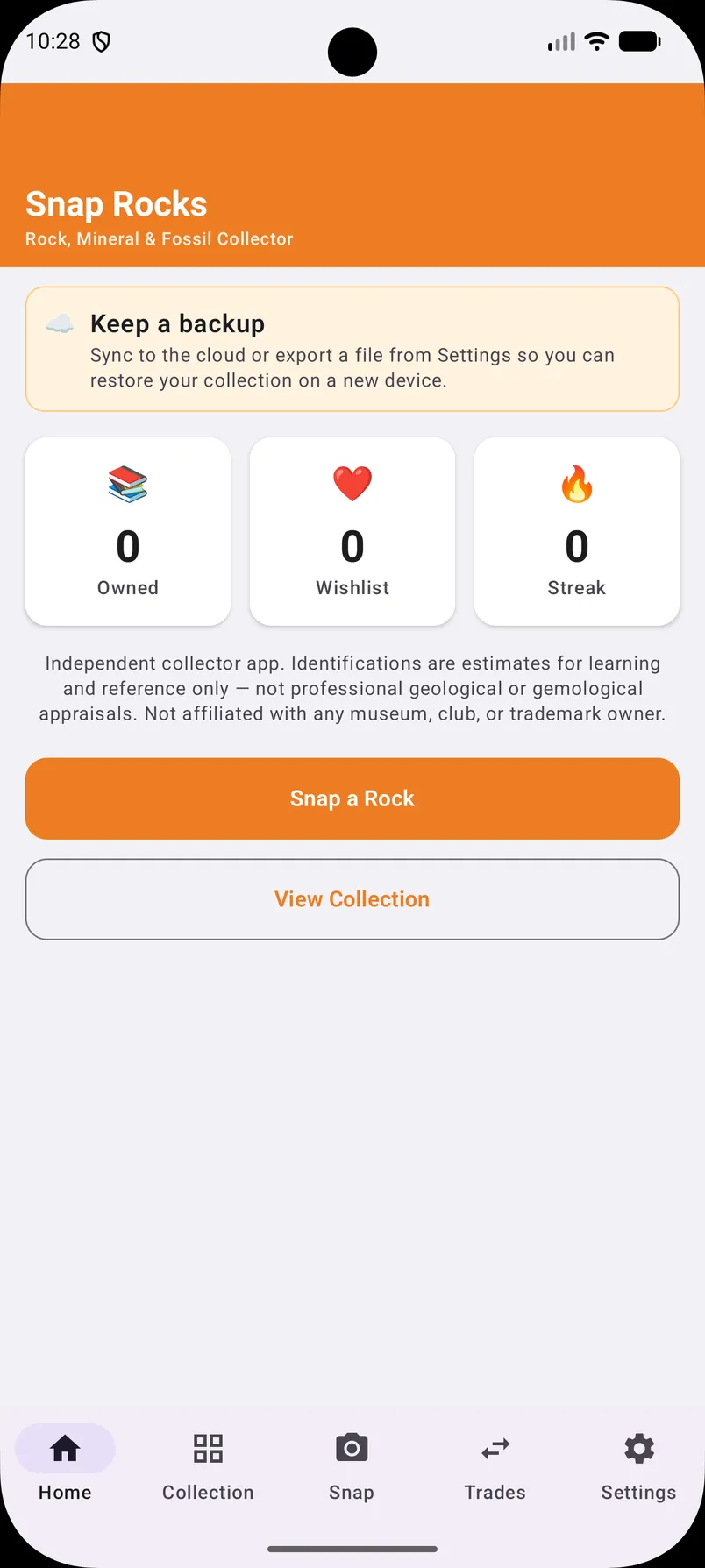
More than an identifier. A personal collection with a photo grid, wishlist, and for-sale flags.
Honest ID
AI identification is assistive — for learning and reference. It is not a certified appraisal, lab analysis, or a substitute for a geologist, gemologist, or paleontologist. Confirm important finds with a club, museum, or a real test.
Trades Live
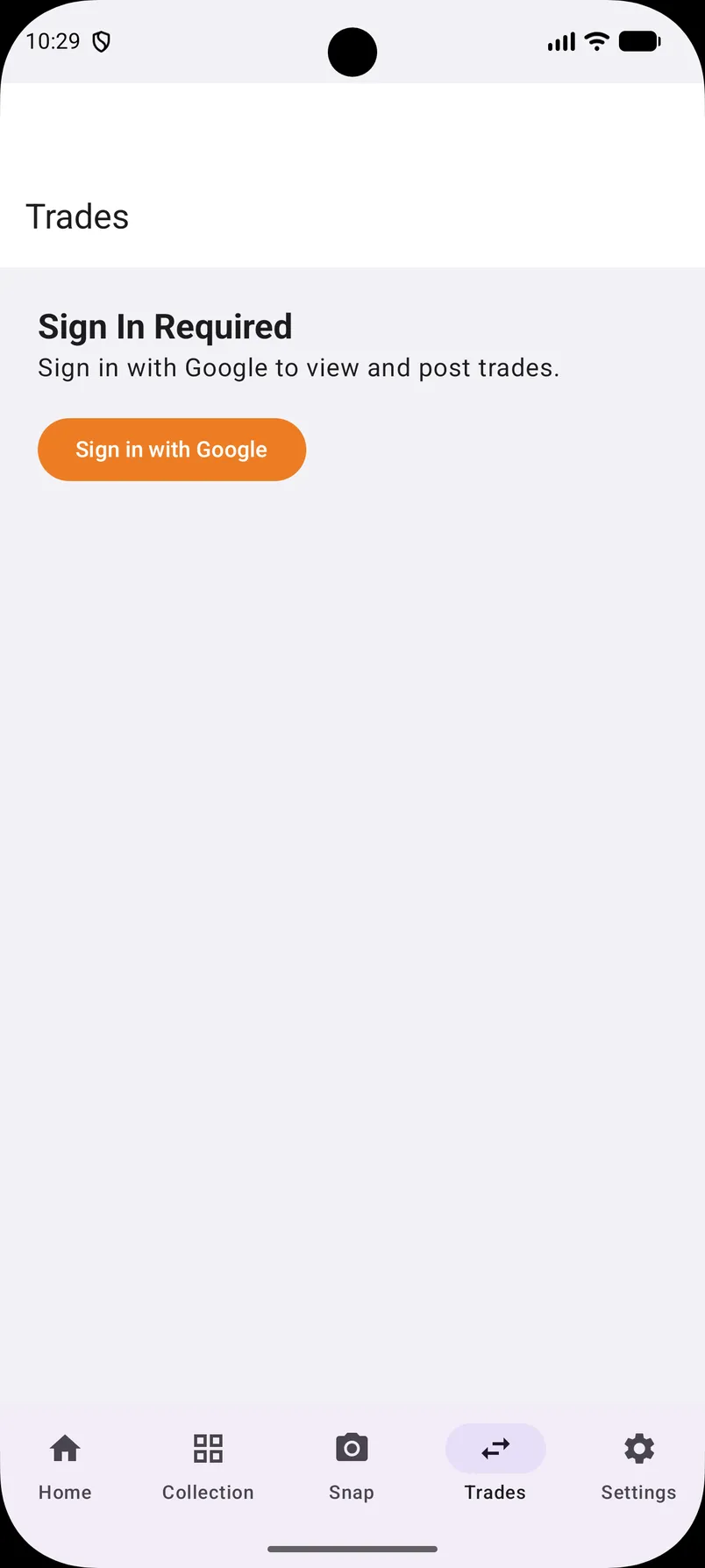
Pick a specimen you already logged. Post the offer. Browse the feed. Open detail. Message. Mark shipped and received when you actually mail it.
Trades are peer-to-peer between collectors. Snap Rocks does not insure, escrow, or guarantee a swap. Contact details — username and optional Facebook helpers — are information you choose to share.
How it works
Open the camera or pick a gallery photo. One rock, fill the frame. Crop if you have to. Wet, dirty, or four specimens in one shot will lie to you.
Optional chips: igneous, sedimentary, metamorphic, mineral/crystal, fossil, unknown. Review confidence, lookalikes, and notes. Pick an alternative if the top match is wrong.
Add notes, location, condition, rating. Flag wishlist or for sale. See it on My Shelf. The values you type are yours.
Post from inventory, browse the feed, chat in-app. The swap is between you and the other collector.
Sign in. Sync or export. A future beta should not be the reason the cabinet disappears.
Account Live
Free includes a starter set of photo IDs, your collection, and catalog browse. Pro is optional: unlimited Snap and gallery identifications, add from the full catalog, post trades. Billed through the store. Complimentary codes redeem in the app.
FAQ
What Snap Rocks does — and what it does not claim.
You can browse and scan without an account. Sign in with Apple (iOS) or Google (Android) unlocks cloud backup, trades, and account features. Stay signed in if you want the shelf to follow you to a new phone.
Igneous, Sedimentary, Metamorphic, Mineral/Crystal, Fossil, or Unknown/Mixed help focus identification. Choosing the right group often improves useful results. Use Unknown/Mixed when you are not sure. The photo is still what gets identified.
No. Snap Rocks offers AI-assisted identification for personal learning and reference. It is not a certified appraisal, lab analysis, or a replacement for a professional geologist, gemologist, or paleontologist.
Trades are peer-to-peer between users. Post offers, pick a specimen from inventory, browse the feed, open detail, and chat in-app. Snap Rocks does not insure or guarantee trades.
Photographing specimens — rocks, minerals, crystals, and fossils — for identification and your collection journal. Not unrelated uses.
Google Play internal testing does not email testers automatically. After you request Android beta, this site shows the Play test URL. Copy it and keep it. The URL becomes active once your email is added to the tester list — please allow up to a few hours.
Ownership
Camera and photos are used for specimen identification and the collection journal. Trade contact details are information you choose to provide. Sign-in is for account features like backup and trades.
Photos support ID and journaling. They are not a general-purpose social feed.
iOS uses Sign in with Apple. Android uses Google. Cloud backup requires an account.
Username and optional Facebook helpers are user-provided so other collectors can reach you.
The beta form sends App name, phone OS, and email to admin@snapcollectibles.com. Nothing else.
Beta
Request a tester slot. We get App name, phone OS, and your email — nothing else. Android testers must copy the Play test URL on the next screen. Google will not email it.
Android tester link
This URL will be active once your email has been added to the tester list. Please allow up to a few hours. The Google Play interface does not auto-send emails to testers.
Request received. You confirmed you copied the link.
Android tester link
This URL will be active once your email has been added to the tester list. Please allow up to a few hours. The Google Play interface does not auto-send emails to testers.
Request email:
You cannot dismiss this until you check the box. Google will not email you this link.